Stage 2 / 5Movement trail
How to Improve Your Posture at a Desk
There is no single perfect way to sit, but a sensible desk setup and frequent small movements can make long working days far kinder to your neck and back.
- Reading time4 min read
- Waymarked
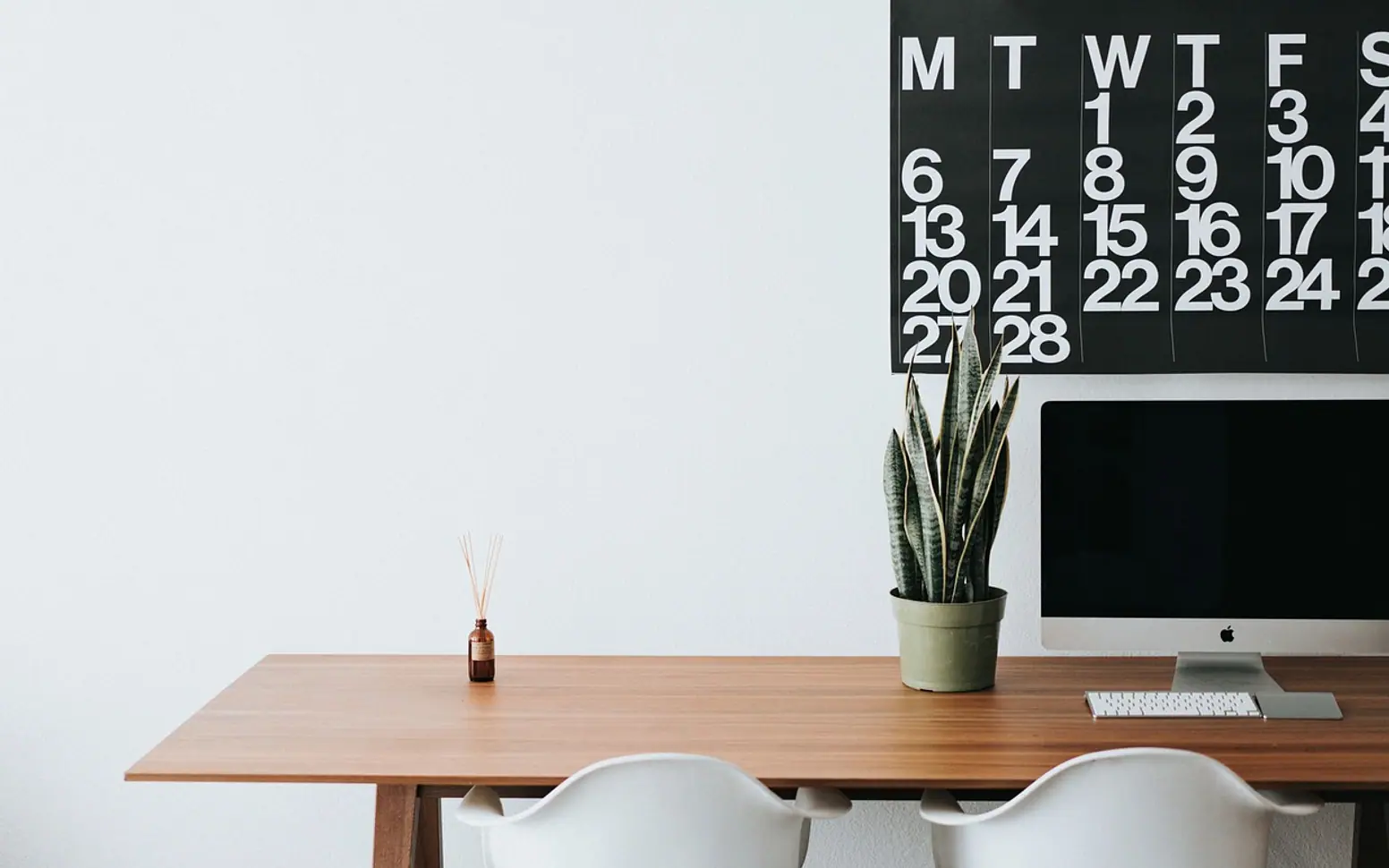
Hours at a desk tend to leave their mark: a stiff neck by lunchtime, shoulders creeping up toward the ears, a dull ache across the lower back by late afternoon. Posture is often blamed, and it does play a part. But the idea of one perfect, rigid sitting position is a bit of a myth. Bodies are built to move, and holding any position for too long, even a "good" one, eventually gets uncomfortable.
A more useful goal is a comfortable setup that supports you, combined with plenty of chances to change position. Here is how to get both.
Start with the chair
- Height. Adjust the seat so your feet rest flat on the floor and your knees sit roughly level with your hips. If your feet do not reach, a footrest or a sturdy box works well.
- Depth. Sit back so your lower back meets the backrest. You should be able to fit a few fingers between the front edge of the seat and the back of your knees.
- Back support. If the chair has adjustable lumbar support, set it to fit the natural inward curve of your lower back. A small cushion or rolled towel can do the same job.
- Armrests. If they push your shoulders up or stop you getting close to the desk, lower them or take them off.
Position the screen
Place the monitor straight in front of you, about an arm's length away. The top of the screen should sit around eye level or slightly below, so you look a little downward without bending your neck. If you wear glasses with different zones for near and far vision, you may need the screen a bit lower; an optician can advise.
Laptops are the trickiest. Their screen and keyboard are joined, so one is always in the wrong place. For regular work, raising the laptop on a stand or a stack of books and using a separate keyboard and mouse makes a real difference.
Keyboard and mouse
Keep the keyboard close enough that your elbows rest near your sides, bent at a comfortable angle, with wrists fairly straight. The mouse should sit right beside the keyboard so you are not reaching sideways for it all day. Let your shoulders drop; if you notice them hunched, the desk or keyboard may be too high.
A quick setup checklist
| Check | What you are looking for |
|---|---|
| Feet | Flat on the floor or a footrest |
| Knees | About level with your hips |
| Lower back | Supported by the chair or a cushion |
| Shoulders | Relaxed, not lifted |
| Elbows | Close to your sides |
| Screen | Arm's length away, top near eye level |
| Phone | Headset or speaker for long calls, never wedged against your shoulder |
Movement matters as much as position
Even a perfectly adjusted workstation becomes uncomfortable if you do not leave it. Try to change position often and get up at regular intervals, even if only for a minute or two. A few ideas that slip easily into a working day:
- Stand up whenever you take a phone call.
- Fetch a glass of water rather than keeping a large bottle on the desk.
- Walk over to a colleague instead of sending a message.
- Use a timer or a calendar reminder as a nudge to stand and stretch.
- Take a short walk at lunch. Our article on the benefits of walking every day explains why it is worth the effort.
Easy exercises at your desk
- Chin glide. Sitting tall, gently slide your chin straight back as if making a double chin, then release. Helpful when your head drifts toward the screen.
- Shoulder rolls. Lift your shoulders toward your ears, roll them back and down, and let them settle. Repeat slowly a few times.
- Chest opener. Clasp your hands loosely behind you, or rest them on the back of your head, and gently draw your elbows back.
- Seated march. Lift one knee a little, then the other, for half a minute to get the hips moving.
- Seated twist. Turn your upper body slowly to one side, using the backrest for light support, then to the other.
Move within a comfortable range and stop if anything hurts. For stiffness that builds up in the lower back, our guide on how to stretch your lower back safely has floor stretches for the end of the day.
Be patient with yourself
Changing long-standing habits takes time. You will catch yourself slumping again, and that is fine. Each time you notice, simply reset: feet down, back supported, shoulders loose. Over weeks, the new position starts to feel normal.
See a doctor if …
- neck, shoulder or back pain lasts for weeks or keeps getting worse;
- you feel numbness, tingling or weakness in your arms or hands;
- headaches are becoming more frequent or more severe;
- pain wakes you at night or stops you doing everyday tasks.
A doctor or physical therapist can look at what is going on and suggest exercises suited to you. If your workplace offers a workstation assessment, it is well worth asking for one.